Key Takeaways
A 2026 guide to B2B portal development for partner, vendor, and client portals, covering the three layers, must-have features, security, and real cost.
- The hard part of a B2B portal is not the screens, it is the integrations and the access control behind them.
- Costs range from about $15,000 for a simple client portal to $400,000 plus for an enterprise multi-portal.
- Integrations with your ERP or CRM are consistently the single biggest cost driver, not the interface.
- Strict data isolation and role-based access are non-negotiable, since one user seeing another’s data is a breach.
- Buy a platform for standard needs, build custom when the portal is core to how your business runs.
Sixty-one percent of B2B buyers now prefer a rep-free buying experience, according to a 2025 Gartner sales survey. That single number explains why B2B portal development has moved from a nice-to-have to a core system for how modern companies work with their partners, vendors, and clients.
A B2B portal is a secure, external-facing web application that gives a specific audience self-service access to your systems. Partners check deal registration, vendors submit invoices, and clients track orders and documents, all without emailing a human.
Here is the part most buyers get wrong. They judge a portal by its screens. The screens are the easy 20 percent. The real engineering, the real risk, and most of the cost live in two places you cannot see: the integrations that connect the portal to your systems of record, and the access controls that make sure each user sees only their own data.
This guide covers the portal types, the features that matter, the security that is non-negotiable, realistic 2026 cost ranges, and when to build custom versus buy a platform.
What is B2B portal development, and what are the portal types?
B2B portal development is the process of designing and building a secure, role-based web application that lets external business users self-serve against your internal systems. The main types are partner portals, vendor or supplier portals, and client or customer portals, and most share the same architecture underneath.
A partner portal supports resellers and channel partners with deal registration, lead sharing, pricing, and training. A vendor or supplier portal lets suppliers submit invoices, manage purchase orders, and update catalog data. A client or customer portal gives your customers self-service access to orders, documents, support, and account data.
Quick Verdict: Most B2B portals blow their budget not on design but on the plumbing and the gatekeeper. Budget for integrations with your ERP or CRM and for role-based access with strict data isolation first, because that is where the work is. A simple client portal can start around $15,000, while an enterprise partner or vendor portal with deep integrations and single sign-on runs well into six figures. If you want it built in real code and owned, our web app development and API integration work is where most portal projects actually succeed or fail.
Underneath, all three types answer the same two hard questions: what can this specific user see and do, and how does the portal talk to the systems where the real data lives? Get those right and the rest is presentation.
The three layers of a B2B portal
Every B2B portal is really three layers stacked together, and understanding them tells you exactly where your time and money will go. Think of them as the window, the plumbing, and the gatekeeper. Buyers obsess over the first. The budget is decided by the other two.
The window: the self-service interface
The window is what users see and touch: dashboards, forms, catalogs, order status, and document libraries. It matters for adoption, because a portal nobody wants to use saves no one any time. But modern interface work is relatively well understood and relatively cheap compared to what sits behind it.
A clean, role-aware interface is table stakes, not a differentiator. If a vendor logs in and immediately sees their open purchase orders and nothing else, the window is doing its job.
The plumbing: integrations with systems of record
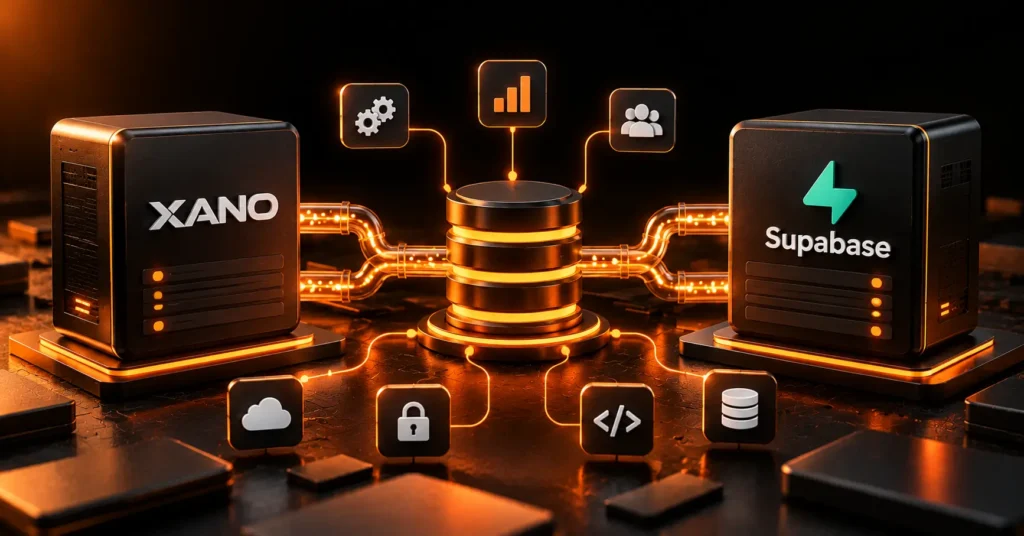
The plumbing is where a B2B portal becomes genuinely useful or genuinely useless. A portal has little value on its own, because the real data lives in your ERP, CRM, inventory, and billing systems. The portal is a window into those, which means it has to integrate with them reliably.
This is consistently the largest cost driver. A single clean REST integration might run $5,000 to $15,000, while a bidirectional sync with a legacy on-premise ERP can run $40,000 to $100,000 on its own. Any honest conversation about API integration is really a conversation about how many systems the portal must talk to and how modern those systems are. When the portal connects to an internal platform like a custom ERP, that integration is the project, not a line item.
The gatekeeper: access, isolation, and compliance
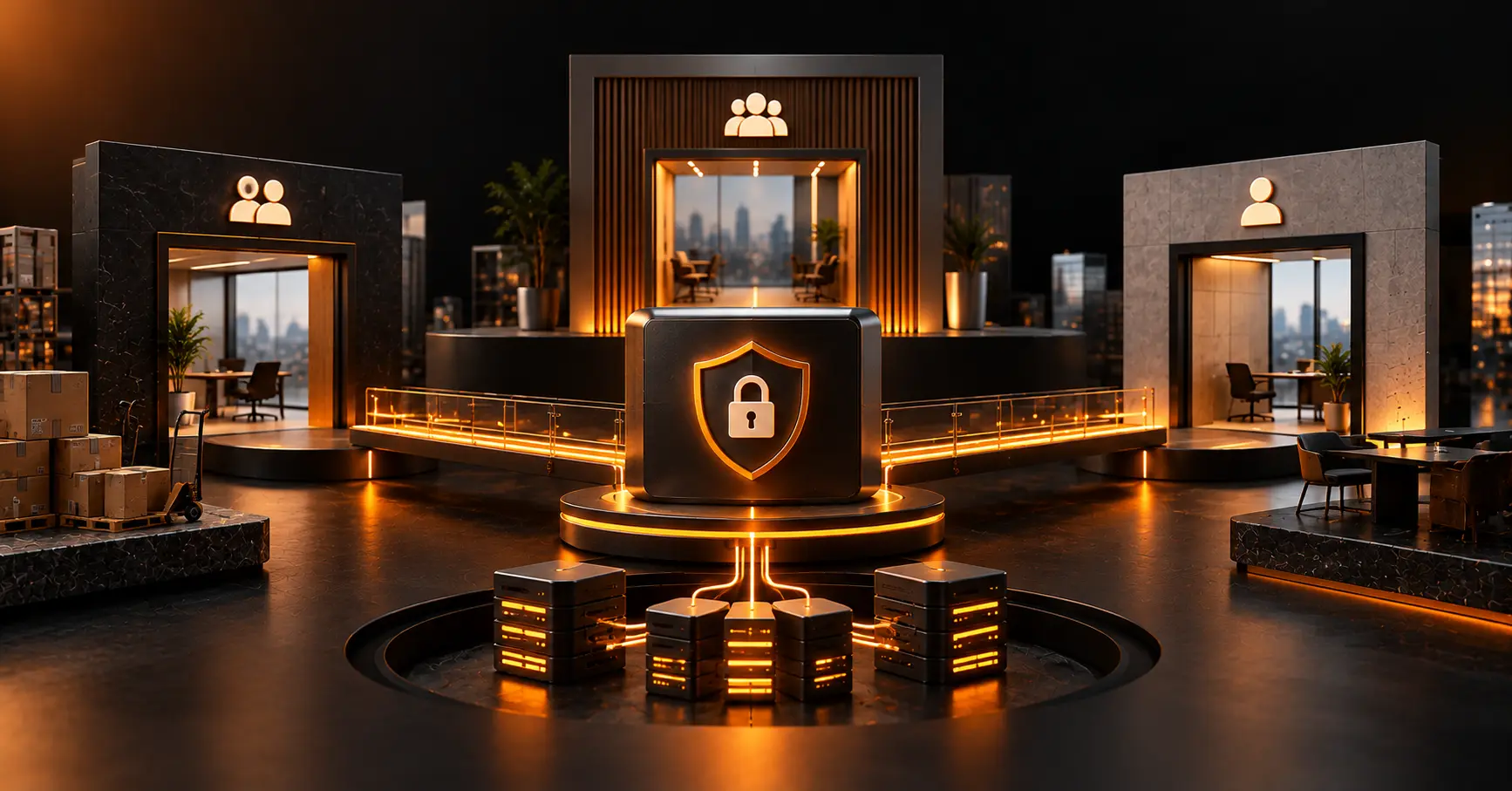
The gatekeeper decides who sees what, and it is where portals get dangerous. Broken access control is the number one web application security risk in the OWASP Top 10, and a B2B portal is exactly where it bites, because one vendor seeing another vendor’s data is not a bug, it is a breach.
This layer covers authentication, role-based access control, and strict data isolation so each account sees only its own records. In multi-account portals, this is the same discipline as a multi-tenant SaaS architecture, and it has to be designed in from the start, not bolted on later.
What features does a B2B portal need?
At minimum, a B2B portal needs secure authentication, role-based dashboards, and self-service access to the data each user cares about. Beyond that, the right feature set depends on the portal type and the workflows it replaces.
Common must-have features include personalized dashboards by role, self-service ordering or request submission, document upload and exchange, approval workflows, and notifications by email or in-app. Partner portals add deal registration and training, vendor portals add invoice and purchase-order management, and client portals add order tracking and support tickets. Reporting and analytics matter too, because the data a portal captures about how partners and vendors actually behave is often as valuable as the transactions it processes.
Resist the urge to build every feature at once. The portals that succeed launch with the one workflow that removes the most manual work, prove adoption, then expand. A vendor portal that only lets suppliers submit and track invoices, but does that flawlessly, beats a sprawling portal nobody trusts.
What security and compliance does a B2B portal require?
A B2B portal requires enterprise authentication, role-based access control, strict data isolation, audit logging, and, for most serious deployments, SOC 2 compliance. These are not optional extras, because the portal exposes business data to external users over the internet.
Single sign-on through SAML or OIDC is expected by enterprise partners, and a managed SSO integration typically runs $8,000 to $25,000. Role-based access control ranges from trivial, for a few fixed roles, to a major effort for hierarchical, per-resource permissions with full audit trails.
Compliance adds real scope. SOC 2 Type II readiness commonly adds $30,000 to $60,000 to a build, and regulated data pushes it higher. If you handle protected health information, you are into HIPAA-compliant development territory, and if enterprise clients will vet you, a SOC 2 program is often the price of the deal. Audit logging, meaning a record of who did what and when, is both a security control and a sales asset.
How much does B2B portal development cost?
B2B portal development typically costs between $15,000 and $400,000 or more, depending on integrations, access control, and compliance. The screens are rarely the expensive part. Here are realistic 2026 tiers.
| Portal tier | Typical cost | Timeline | What you get |
| Simple client portal | $15,000 to $50,000 | 1 to 3 months | Login, a few roles, one integration, self-service basics |
| Mid partner or vendor portal | $50,000 to $150,000 | 3 to 6 months | Real RBAC, 2 to 3 integrations, workflows, notifications |
| Enterprise multi-portal | $150,000 to $400,000+ | 6 to 9+ months | SSO, hierarchical RBAC, deep ERP integration, audit logging, SOC 2 |
The drivers behind those ranges are consistent. Integrations are the biggest, from a few thousand dollars for a clean API to six figures for a legacy ERP sync. Enterprise SSO, hierarchical permissions, document exchange, billing, and compliance each add meaningful scope on top.
The practical takeaway is to spend where the value is. A portal with a modest interface but rock-solid integration and access control will outperform a beautiful one that cannot be trusted with data, every time.
Should you build a custom portal or buy a platform?
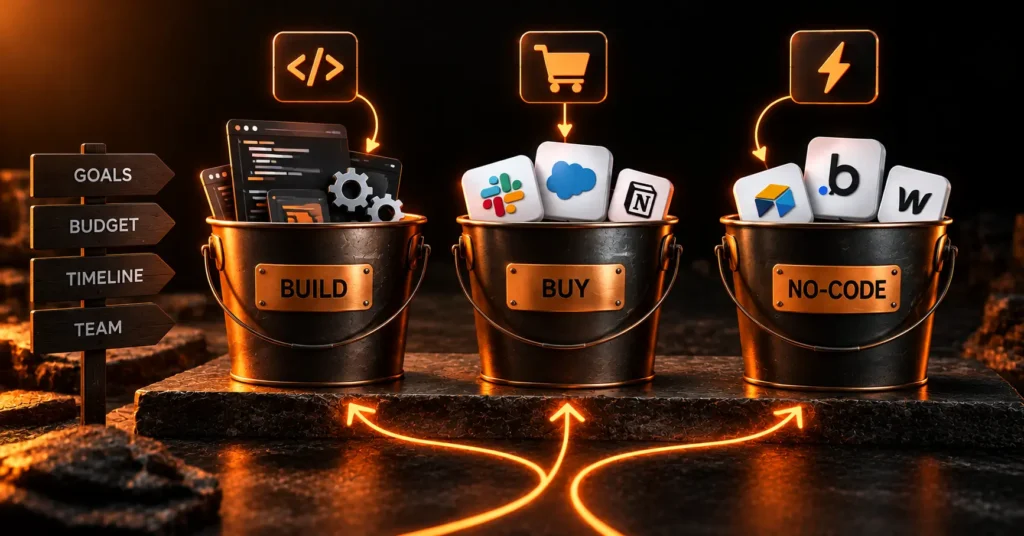
Buy a platform when your needs are standard and you already live in that ecosystem, and build custom when your workflows, integrations, or ownership needs are not standard. Platforms like Salesforce Experience Cloud and Microsoft Power Pages can stand up a portal fast if your data already sits in Salesforce or the Microsoft stack.
The tradeoffs are real. Platforms are faster to launch and cheaper upfront, but they charge per-user or per-login licensing that climbs as you scale, and they constrain you to what the platform allows. A custom build costs more upfront and you own it outright, with no per-seat tax and no ceiling on what you can build.
The honest rule is this. If your portal is a fairly standard extension of a CRM you already pay for, start with the platform. If the portal is core to how your business runs, has unusual workflows, or must integrate deeply with systems the platform does not love, a custom build almost always wins over a few years.
What does the build process look like?
A typical B2B portal build moves through discovery, integration design, a secured core, and iterative rollout. Discovery maps the users, the roles, and the systems of record the portal must connect to, which is where the real scope is set.
The smartest sequence is to build the access and integration foundation first, then the single highest-value workflow, and launch that to a small group of real users. This is the lean approach we take to web app development, delivering a working, secured slice in weeks rather than a year-long project that lands all at once and surprises everyone.
From there, you expand one workflow at a time, guided by what users actually adopt. A phased rollout also contains risk, because a security or integration flaw is far cheaper to fix with ten users than with ten thousand.
Who needs a custom B2B portal, and who does not?
You need a custom B2B portal when manual back-and-forth with partners, vendors, or clients is slowing the business and your workflows do not fit an off-the-shelf tool. Companies with real integration needs, non-standard processes, or enterprise security requirements are the clearest fit. So are businesses whose partners or clients have started asking for self-service access, because that demand is a reliable signal the manual approach has reached its limit.
You probably do not need a custom portal if your needs are genuinely standard and a platform like Experience Cloud covers them, or if the volume of external users is tiny and a shared drive plus email still works. Building a six-figure portal to serve five occasional users is a solution looking for a problem.
Be honest about where you are. The right first step is often a small, secured portal that handles one painful workflow, proves the value, and earns the budget for more.
The verdict on B2B portal development
A B2B portal succeeds or fails on its plumbing and its gatekeeper, not its screens. Budget and design around integrations and access control first, launch the one workflow that removes the most manual work, and expand from there.
At Velcod we build secure B2B portals in real code, starting with a working core in three weeks rather than a year-long build, and we are honest about when a platform would serve you better. If you want a straight estimate for a partner, vendor, or client portal, you can talk to us or see comparable work in our case studies. Spend your money on the layers your users cannot see, because that is where the value and the risk both live.
Frequently Asked Questions
How much does it cost to build a B2B portal?
B2B portal development usually costs $15,000 to $50,000 for a simple client portal, $50,000 to $150,000 for a mid-range partner or vendor portal, and $150,000 to $400,000 or more for an enterprise multi-portal. Integrations with your ERP or CRM are the biggest driver, followed by single sign-on, role-based access, and compliance work like SOC 2.
What is the difference between a partner portal and a vendor portal?
A partner portal serves resellers and channel partners with deal registration, lead sharing, pricing, and training. A vendor or supplier portal serves the companies you buy from, handling invoices, purchase orders, and catalog data. Both are B2B portals built on the same architecture, but they face opposite directions in your supply chain and expose different workflows and data.
Should I build a custom portal or use Salesforce Experience Cloud?
Use Salesforce Experience Cloud or Microsoft Power Pages when your needs are standard and your data already lives in that ecosystem, since you launch faster and cheaper upfront. Build a custom portal when workflows are unusual, integrations run deep, or per-user platform licensing gets expensive at scale. Custom costs more initially but you own it with no per-seat tax.
How long does B2B portal development take?
A simple client portal takes roughly 1 to 3 months, a mid-range partner or vendor portal 3 to 6 months, and an enterprise multi-portal 6 to 9 months or more. The fastest path is to launch a secured core with one high-value workflow in weeks, then expand, rather than waiting a year for everything at once.
How do you stop one vendor from seeing another vendor’s data?
Through strict data isolation enforced by role-based access control at the data layer, not just the interface. Every query is scoped to the logged-in account, so a user can only ever retrieve their own records. This is the same discipline as multi-tenant SaaS, and because broken access control is the top OWASP risk, it must be designed in from day one.
Resources & Further Reading
The following authoritative sources were used to inform and validate this article:
- Gartner: Survey finding 61% of B2B buyers prefer a rep-free, self-service buying experience.
- OWASP Top 10: Broken access control ranked the number one web application security risk.
- AICPA SOC 2: Official source on SOC 2 controls for securing customer data.
- Okta: Identity and single sign-on standards (SAML, OIDC) for enterprise portals.
- Salesforce Experience Cloud: A leading buy-option platform for partner and customer portals.
- Microsoft Power Pages: A low-code platform alternative for building external-facing portals.

M. Sabir Junaid
Founder • CEO
M. Sabir Junaid is founder and CEO of Velcod, the senior product studio. He leads product and delivery across MVPs, SaaS platforms, and mobile apps — system architecture, no-code and low-code engineering, and AI integration. An official Bubble partner, Sabir has shipped products across fintech, marketplaces, edtech, and creator platforms. He works with founders raising pre-seed to Series A who need a product built to launch and scale in weeks, not a six-month agency build.
Share
- Previous
- Next
Ready to build?
Your idea, live in 3 weeks.
Book a free strategy call and get a fixed-price roadmap for your MVP, SaaS, or app.